
Memory Trainer — Four Classic Brain Training Games
Challenge your memory with four timeless puzzles: memorize sequences of numbers, match flipped cards, repeat increasingly complex patterns, and spot changes in grids. Three difficulty levels, sound & vibration feedback, progress tracking, and trend graphs.
 Try it Free →
Features
Four Distinct Memory Games
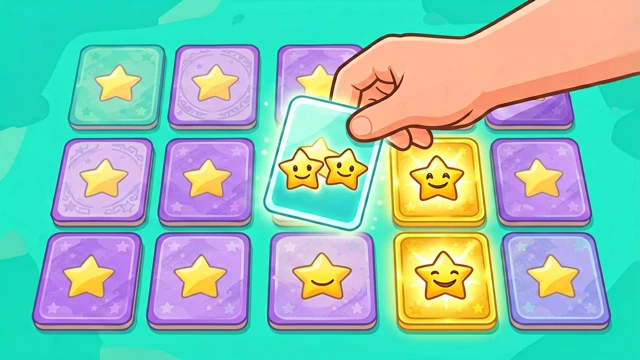
Number Recall: memorize and repeat digits. Card Matching: flip pairs to find matches. Sequence Repeat: copy lengthening patterns. Grid Spotter: identify changes in visual grids — each challenges memory in different ways.
Three Difficulty Levels
Easy builds confidence, Normal challenges daily players, Hard pushes memory to the limit. Switch difficulty anytime and compare your scores across modes.
Sound & Vibration Feedback
Audio cues confirm correct sequences and alert you to mistakes. Haptic vibration on mobile gives tactile feedback on every action — immersive and rewarding.
Trend Graphs & Personal Bests
Track every session in detailed charts — see your improvement over time, peak scores by game and difficulty, and visual progress curves.
Saved Progress Forever
All game stats, high scores, and session history are stored locally in your browser — no account needed, picks up exactly where you left off.
Instant Challenge
No sign-up, no rules to memorize — tap your preferred game and difficulty, and start training your brain in seconds.
How to Use
Choose a game and difficulty
Pick one of four memory games: Digit Recall, Card Pairs, Sequence Repeat, or Grid Spotter. Then select Easy, Normal, or Hard.
Follow the prompt sequence
The game displays or plays a sequence—digits light up, cards flip, patterns animate, or grid changes occur. Pay close attention.
Repeat or respond accurately
Recreate the sequence in the correct order (Recall), match the cards (Pairs), copy the pattern (Sequence), or spot the difference (Grid).
Advance or fail gracefully
Correct answers progress to harder rounds — sequences grow longer, matches get subtler, patterns more complex. A mistake resets you, but tracks your attempt.
Review trends and compete with yourself
Sessions auto-save with timestamps. Visit the Stats page to review scores, compare difficulty modes, and watch trend lines showing your skill progression.