
Gomoku Online — Real-Time Five in a Row with Friends
Place your first stone, send the link, and your friend joins the board instantly. Classic 15×15 Gomoku with live move sync, automatic win detection, and multi-round scorekeeping.
 Try it Free →
Features
One Move Creates an Invite Link
No lobby or room code to set up — place your first stone as Black and the game instantly generates a link you can send to a friend to join as White.
Real-Time Move Sync
Every stone you place appears on your opponent's board right away, and vice versa, so the game feels like sitting across from each other even when you're not.
Automatic Win Detection
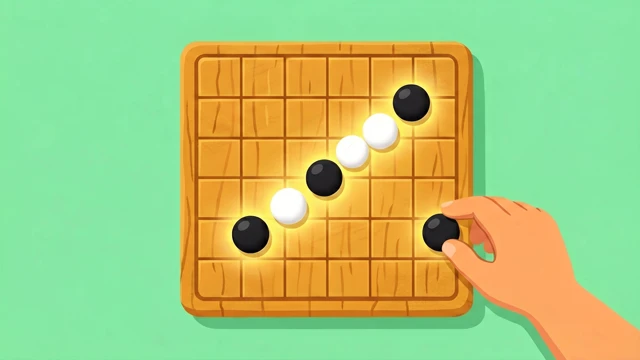
The board checks all four directions — horizontal, vertical, and both diagonals — after every move, and highlights the winning line of five the instant someone connects it.
Classic 15×15 Board
Standard tournament-size Gomoku board with Black moving first, exactly like the traditional pen-and-paper version — no variant rules to learn.
Rematch and Running Score
Play multiple rounds back to back with first-move color alternating each rematch, while your cumulative score against that opponent keeps tallying up.
Challenge Message and Spectating
Attach an optional challenge message when you send your invite link, and if a third person opens a full match, they can watch the game live as a spectator.
How to Use
Place your first stone
Open the game and tap any intersection on the 15×15 board — this claims Black and the first move.
Send the invite link
As soon as you move, an invite link is generated; send it to a friend so they can join as White.
Take turns placing stones
Tap once to select an intersection, tap again to confirm — moves sync to both boards in real time, alternating Black and White.
Connect five to win
Line up five of your own stones in a row — horizontally, vertically, or diagonally — and the winning line highlights automatically.
Rematch and keep score
Start another round with colors swapped; your win/loss tally against this opponent carries over across rounds.